|
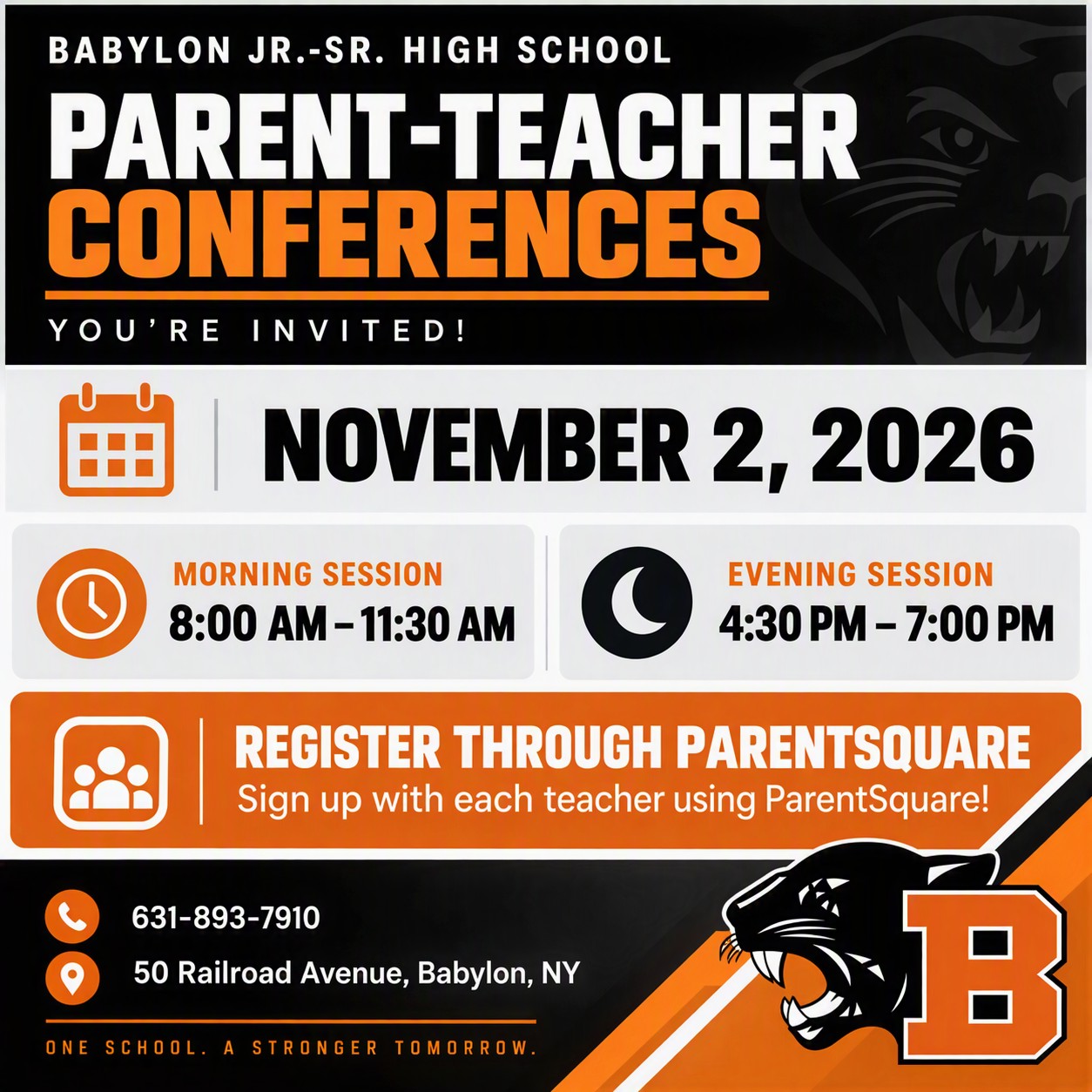
How to sign up for Parent-Teacher Conferences:
On a mobile device: At the top of the post, click “Appointment Sign Ups” and simply select one of the time slots available.
On website: scroll down to view available appointment time slots.
Click “SAVE” when complete. You will repeat this process for each teacher with whom you wish to conference.
Important note for parents with multiple children who have the same teacher:
Unfortunately, Parent Square prevents the same parent from scheduling more than one appointment with the same teacher. If you have multiple children with the same teacher and would like an appointment for each child, please contact the teacher directly.
Questions?
“Who do I contact if I need help with my ParentSquare account?”
Contact our IT Department Office at 631-893-7983 or itdepartment@babylonufsd.com
“Who do I contact if I have questions about Parent-Teacher Conferences at Babylon JSHS?”
Contact one of the following staff members at 631-893-7910 or via email:
- Your child’s teacher
- Your child’s guidance counselor
- Mr. Cirone and/or Mrs. Callahan
|